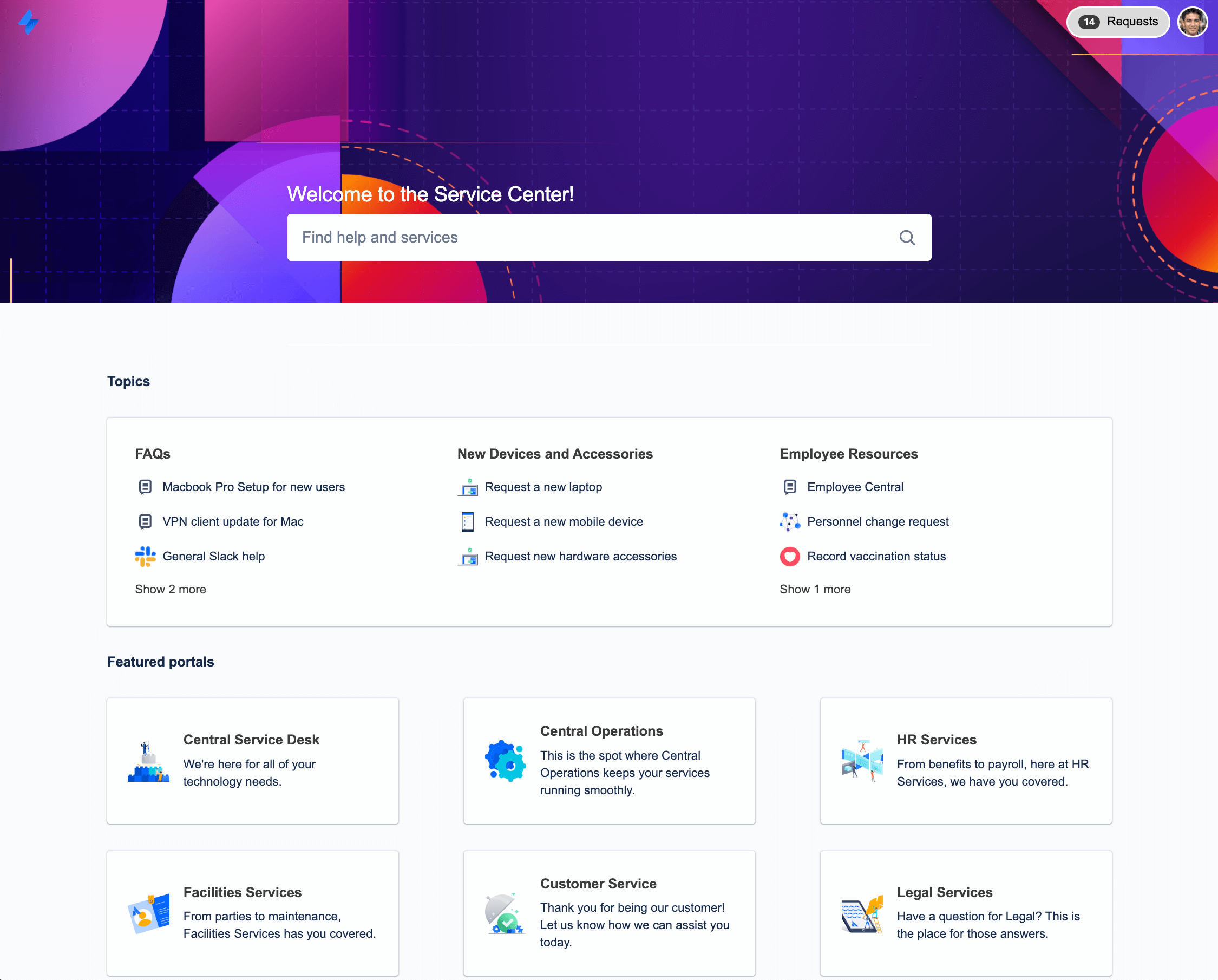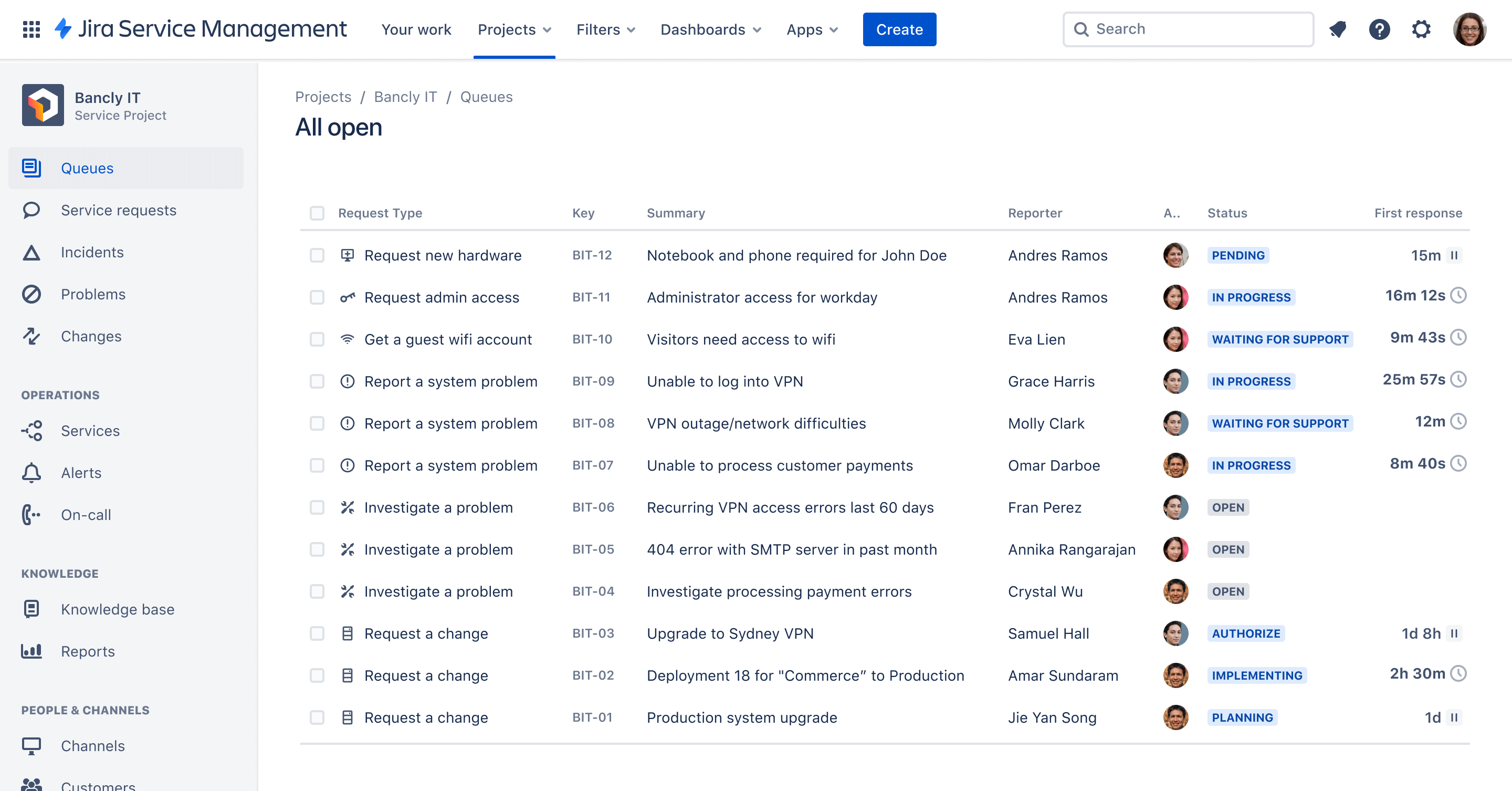
Screenshot of queue in Jira Service Management

Advanced IT service management template

Respond to requests, resolve incidents, address problems, and deploy changes fast.

BEST FOR

  • IT operations

KEY FEATURES

  • Automated change requests

  • ChatOps

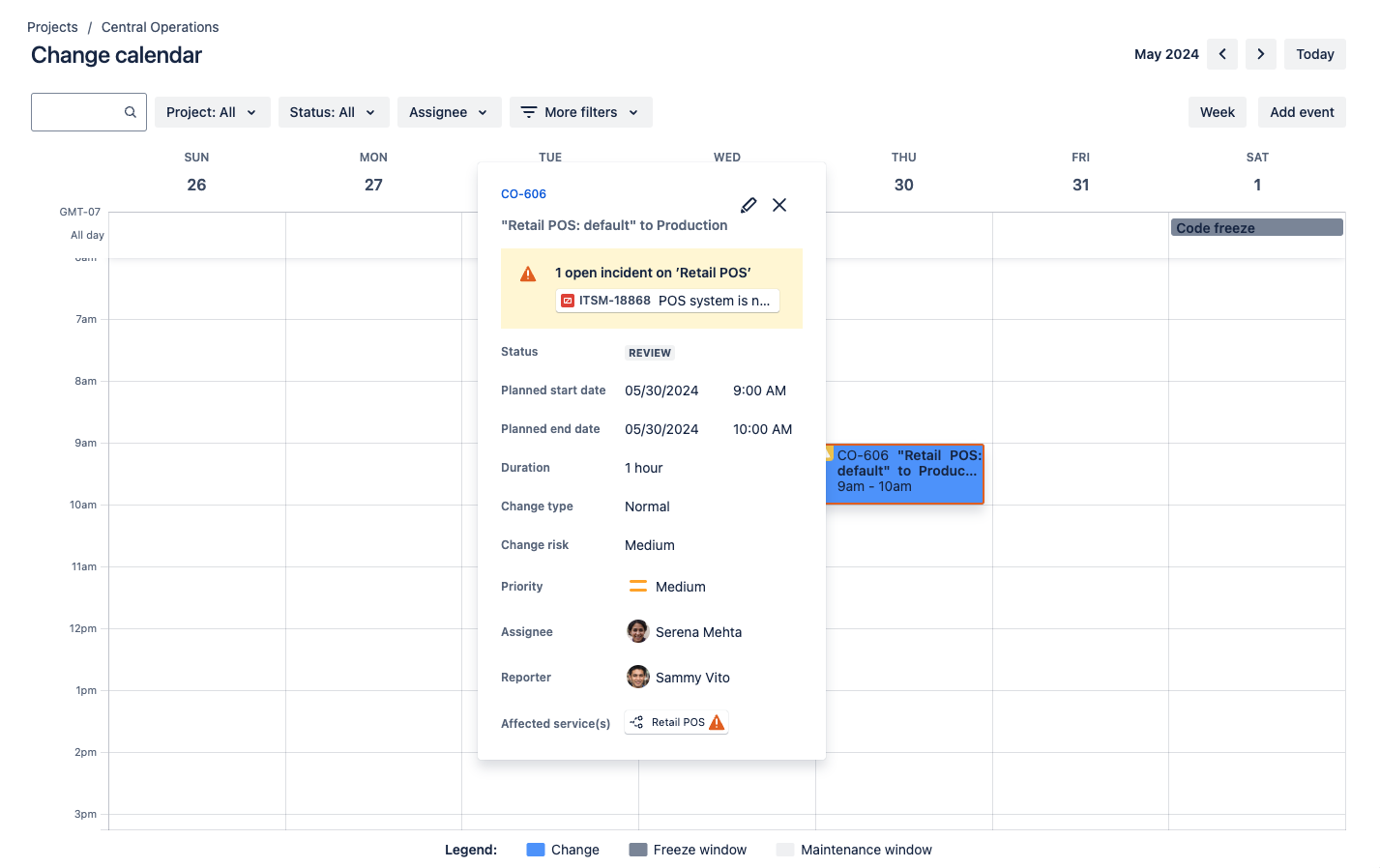
  • Change calendar

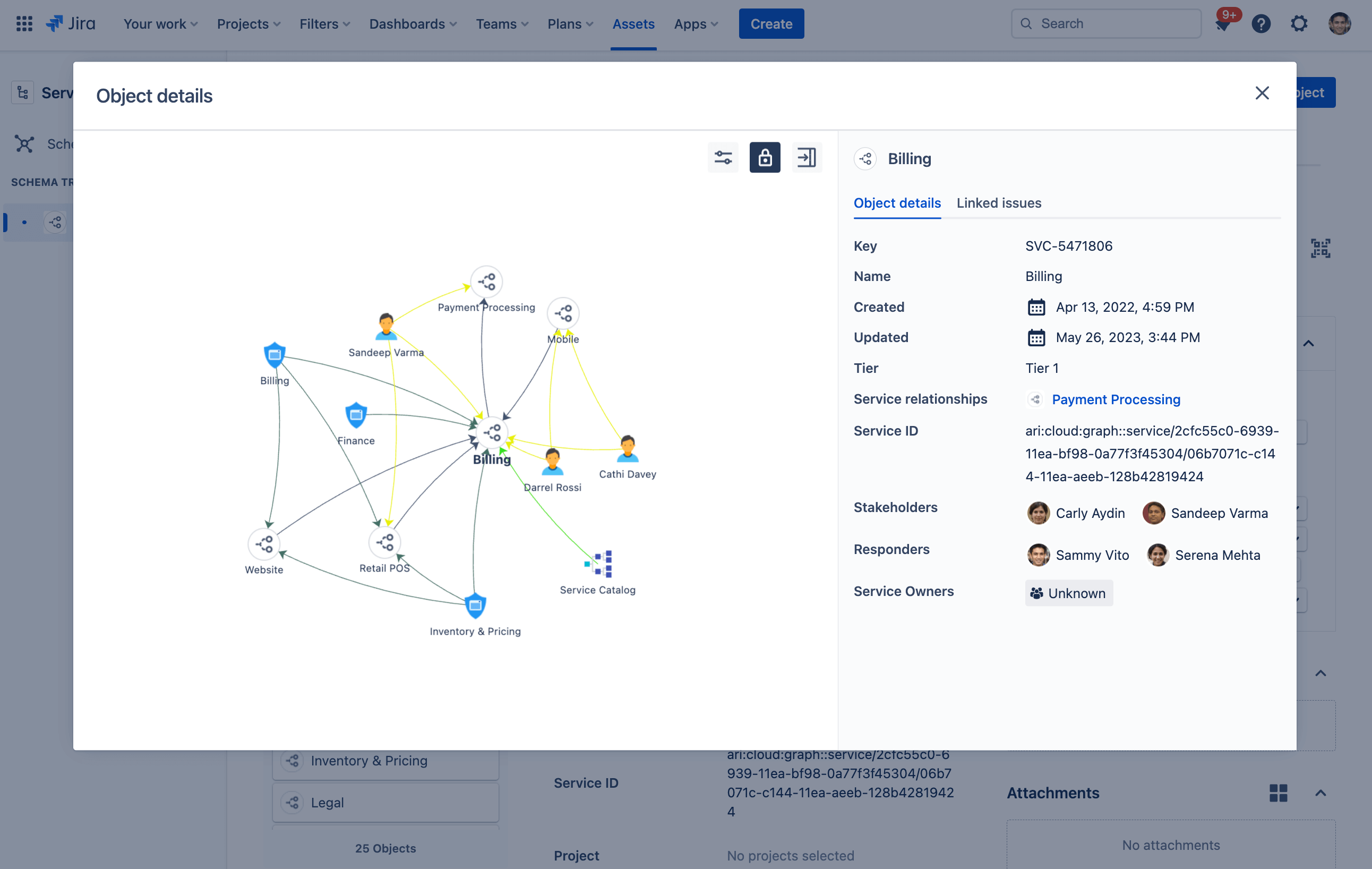
  • Assets

  • Multi-channel support

Screenshot of queue in Jira Service Management

What is an Advanced IT service management template?

Designed specifically for IT teams, this template facilitates high-velocity service management. Containing powerful ITSM categories with dedicated features, it can help you resolve incidents, approve changes, and fix problems fast.

What does the Advanced IT service management template include?

Automated change requests

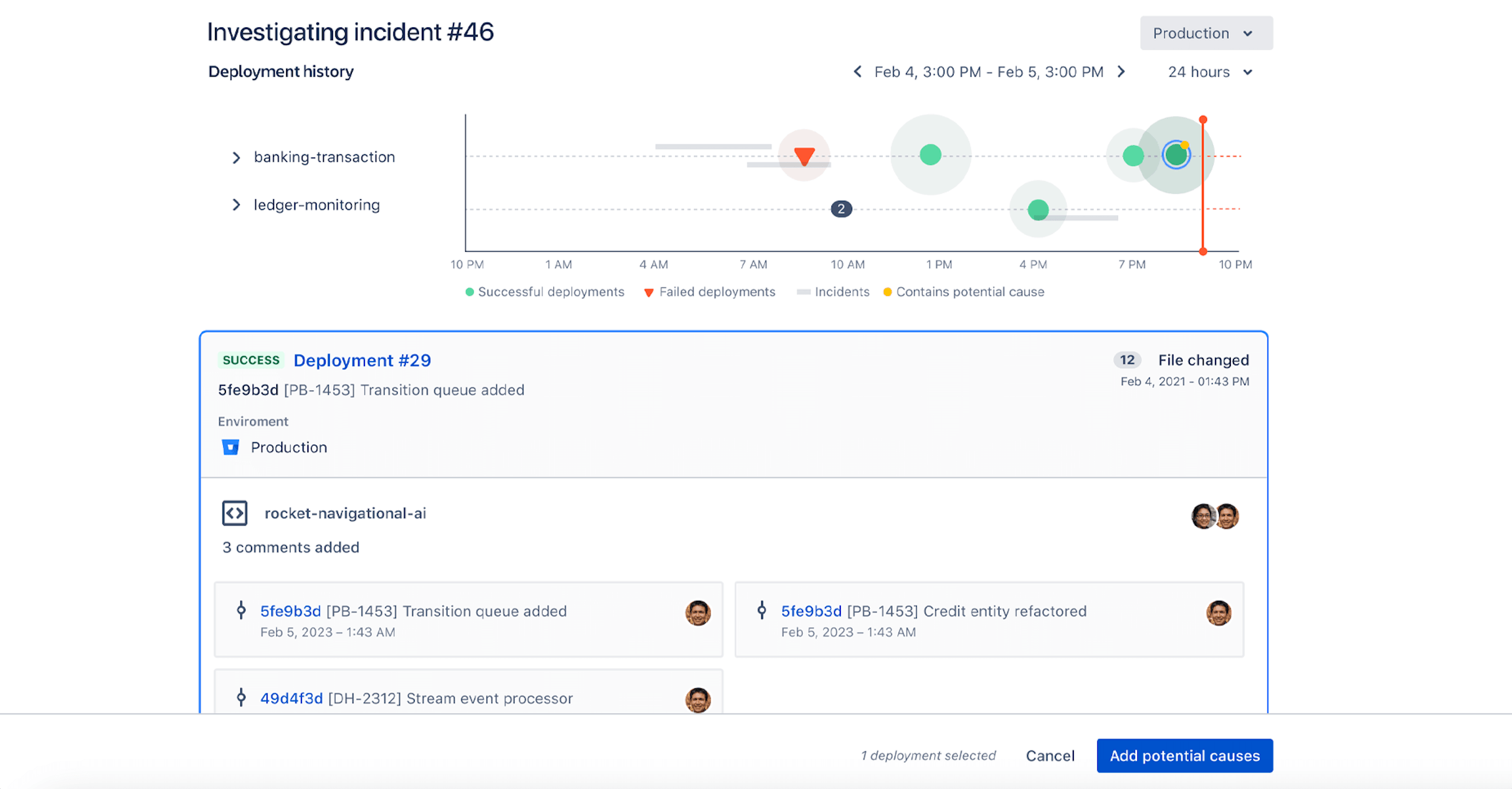
With deployment tracking in Jira Service Management, teams can automatically create change requests when deployments are initiated to selected services, providing automated and accelerated approvals, along with seamless insight for incident responders. And with the change calendar, teams have a full picture of past and future changes that could potentially be the cause of an incident.

How to get started with the Advanced IT service management template

This template uses Jira Service Management to help you resolve incidents, approve changes, and fix problems fast.

  1. 1

    Set up your help center and portal

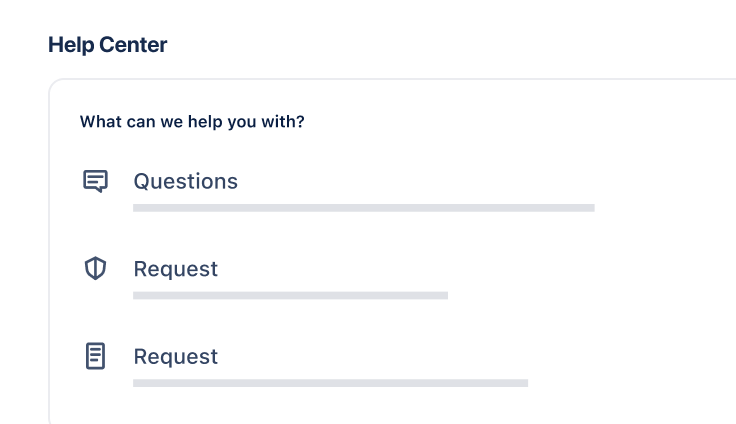
    The help center is where customers can submit requests and access your self-service knowledge base. Set up the welcome message, announcements, and layout. Learn more.

  2. 2

    Customize your request types

    Help customers and agents by using tailored request types, or even creating your own. Learn more.

  3. 3

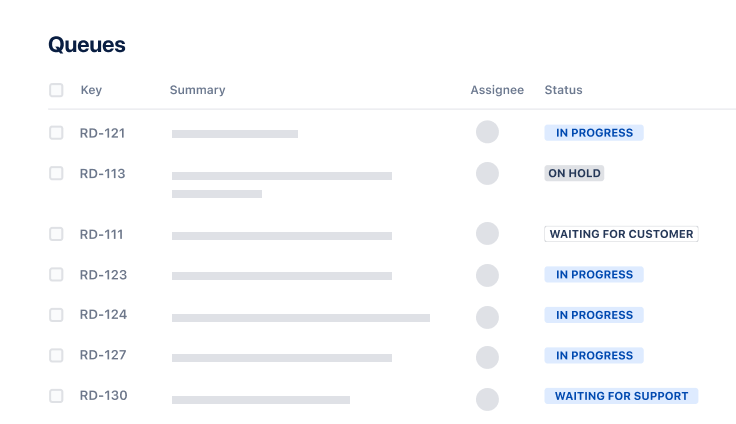
    Organize your queues

    Align your queue with the way your teams triage and address requests. Learn more.

  4. 4

    Add agents

    It’s time to get the party started! Add agents to your service project team. Learn more.

  • Resolve incidents faster

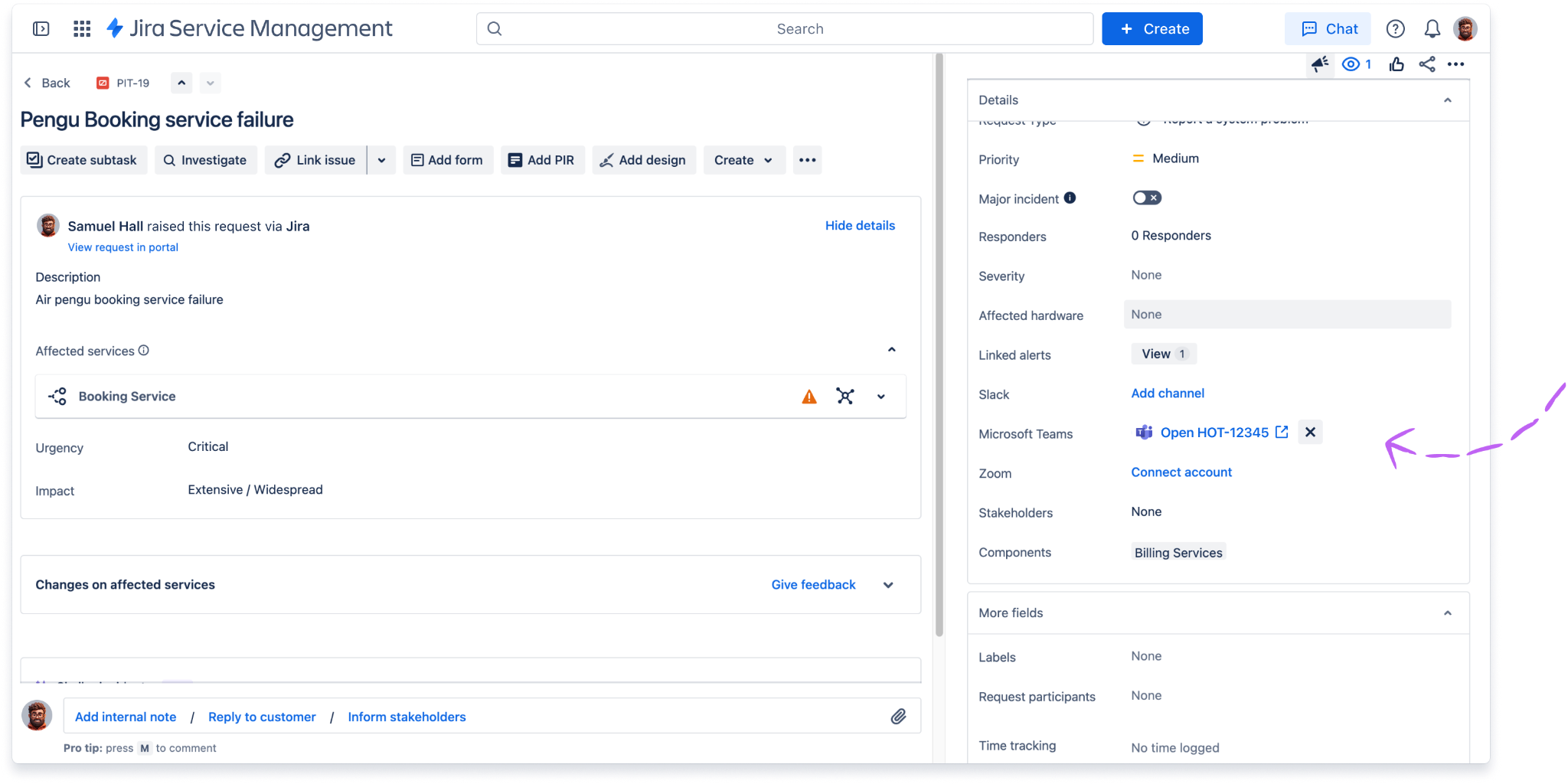
    Collaborate on and resolve incidents faster than ever with one-click escalations to Opsgenie. For critical issues, use on-call scheduling, alerts, incident swarming and more to give the right people all the information they need to take action.

  • Track and approve changes

    Break down barriers with development teams and speed up workflows by automating changes. Lighten the load with automated change risk assessments, advanced approval workflows, and integrations with CI/CD tools like Bitbucket Pipelines, Jenkins, and CircleCI.

  • Fulfill service requests quickly

    Based on ITIL best practices, this template is designed to help you work more effectively across teams to fulfill service requests faster than ever. Agents are supported by features such as bulk actions and machine learning capabilities that intelligently group similar requests.

Related templates

Operations

General service management template

Collect, prioritize, and manage requests for any business teams.
Service Management

HR service management template

Manage onboarding and offboarding and respond to HR requests.
Operations

Facilities service management template

Manage requests for maintenance, moving, and event planning.

Related resources

GUIDE

Jira Service Management Premium product guide

This guide is intended to help admins on the Premium edition of Jira Service Management Cloud get onboarded and make the most out of their Premium license.

GUIDE

The complete guide to Atlassian for ITSM

This guide covers the basics of everything you need to know about ITSM with Atlassian – across IT delivery, operations, and support.

GUIDE

A vision for IT service management at high velocity

In this report, you'll get an up-close look at Atlassian's vision for service management, and how we're answering some of the most common questions IT teams face.

Ready to use this free template?

Use template