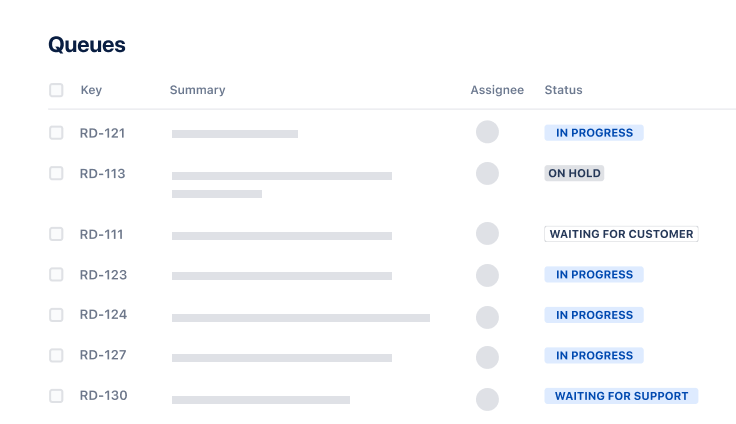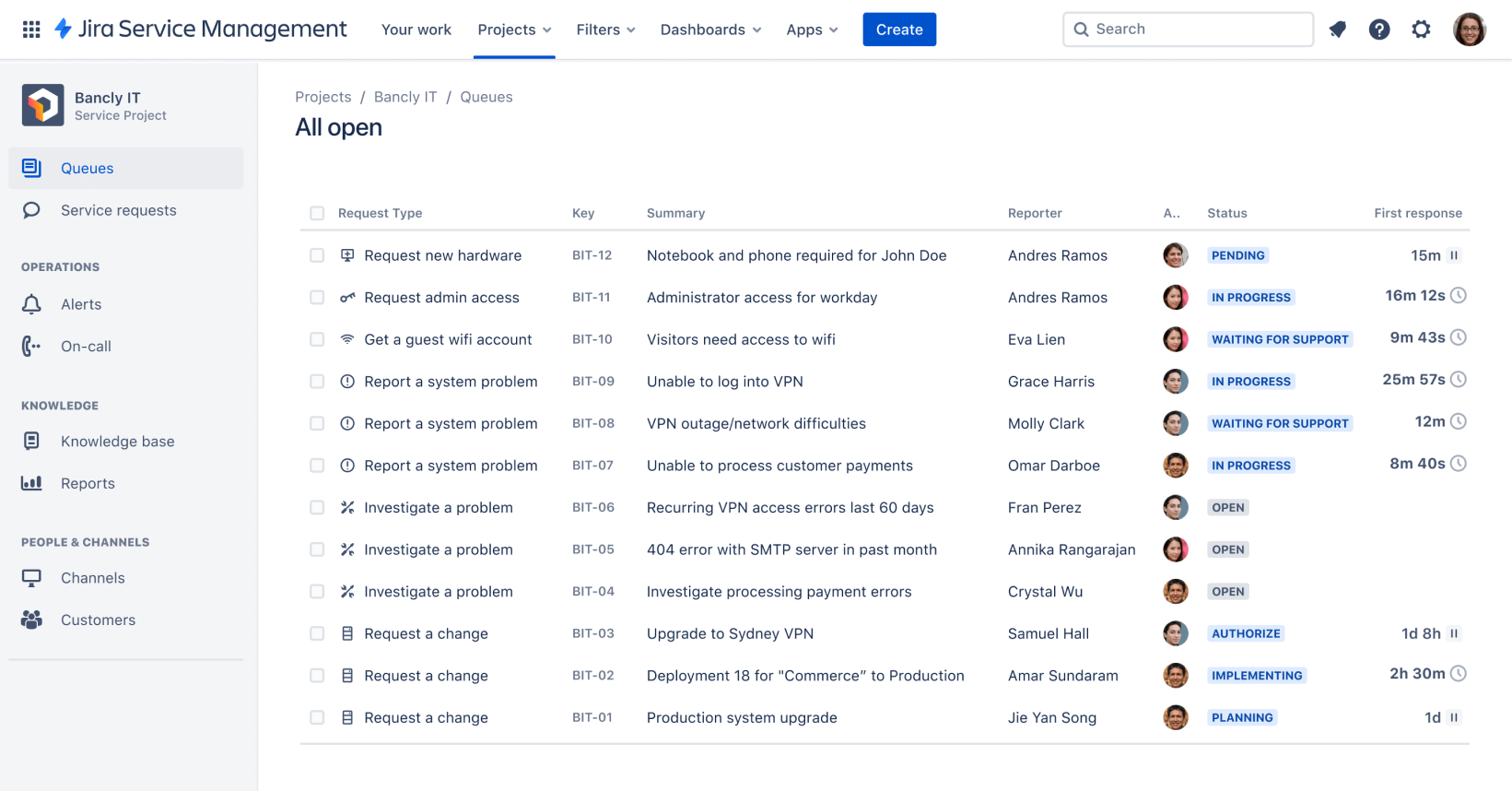
Screenshot of queue in Jira Service Management

IT service management template

Intake requests, set up alerts, raise incidents, and fix issues quickly.

BEST FOR

  • IT operations

KEY FEATURES

  • Alerts and on-call schedules

  • Automation

  • Multi-channel support

Screenshot of queue in Jira Service Management

What is an IT service management template?

Designed specifically for IT teams, this template includes all the basics for getting IT service management done. This template can help you intake requests, set up alerts, raise incidents, and fix issues quickly.

What does the IT service management template include?

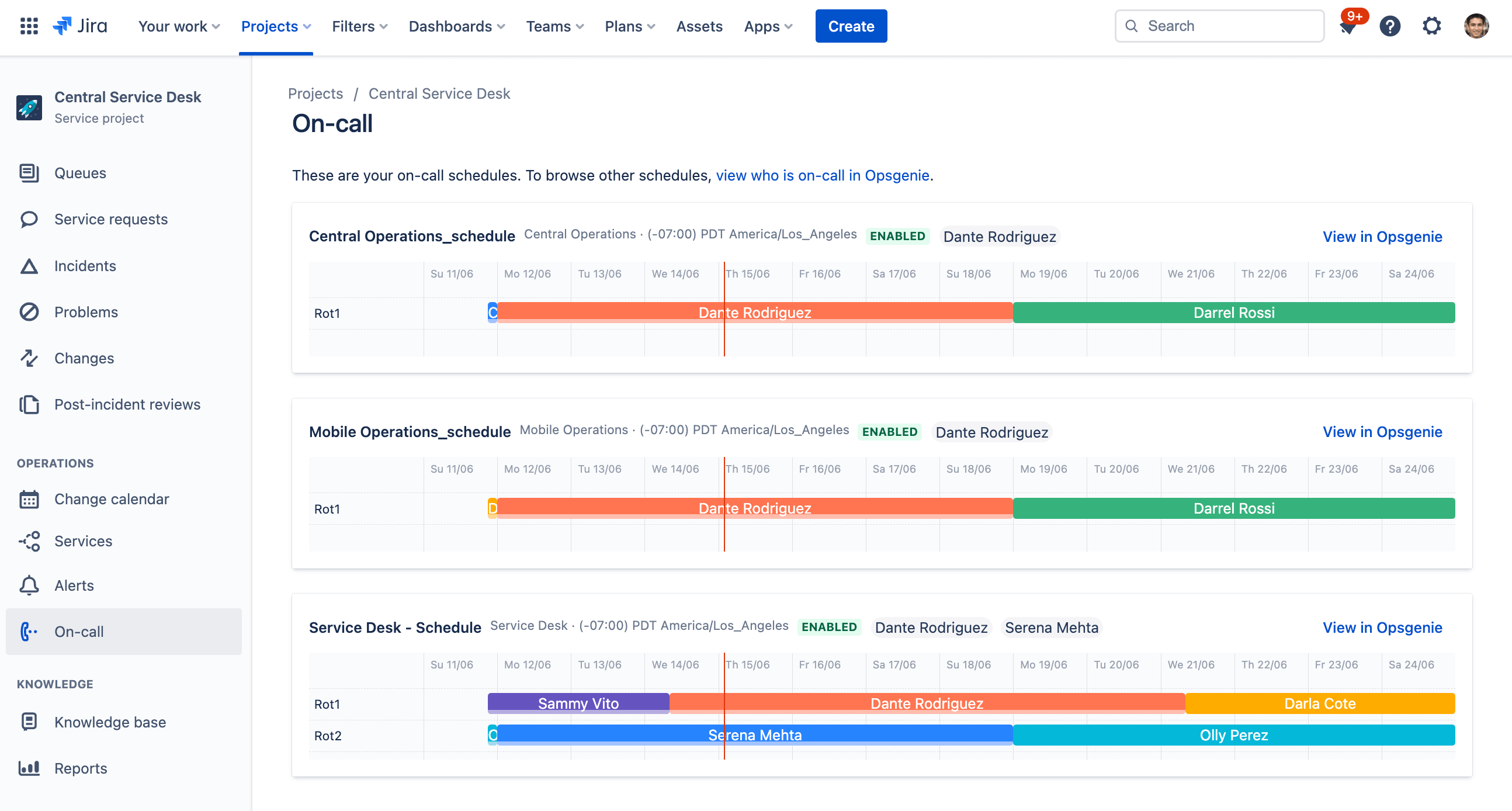
Alerts and on call schedules

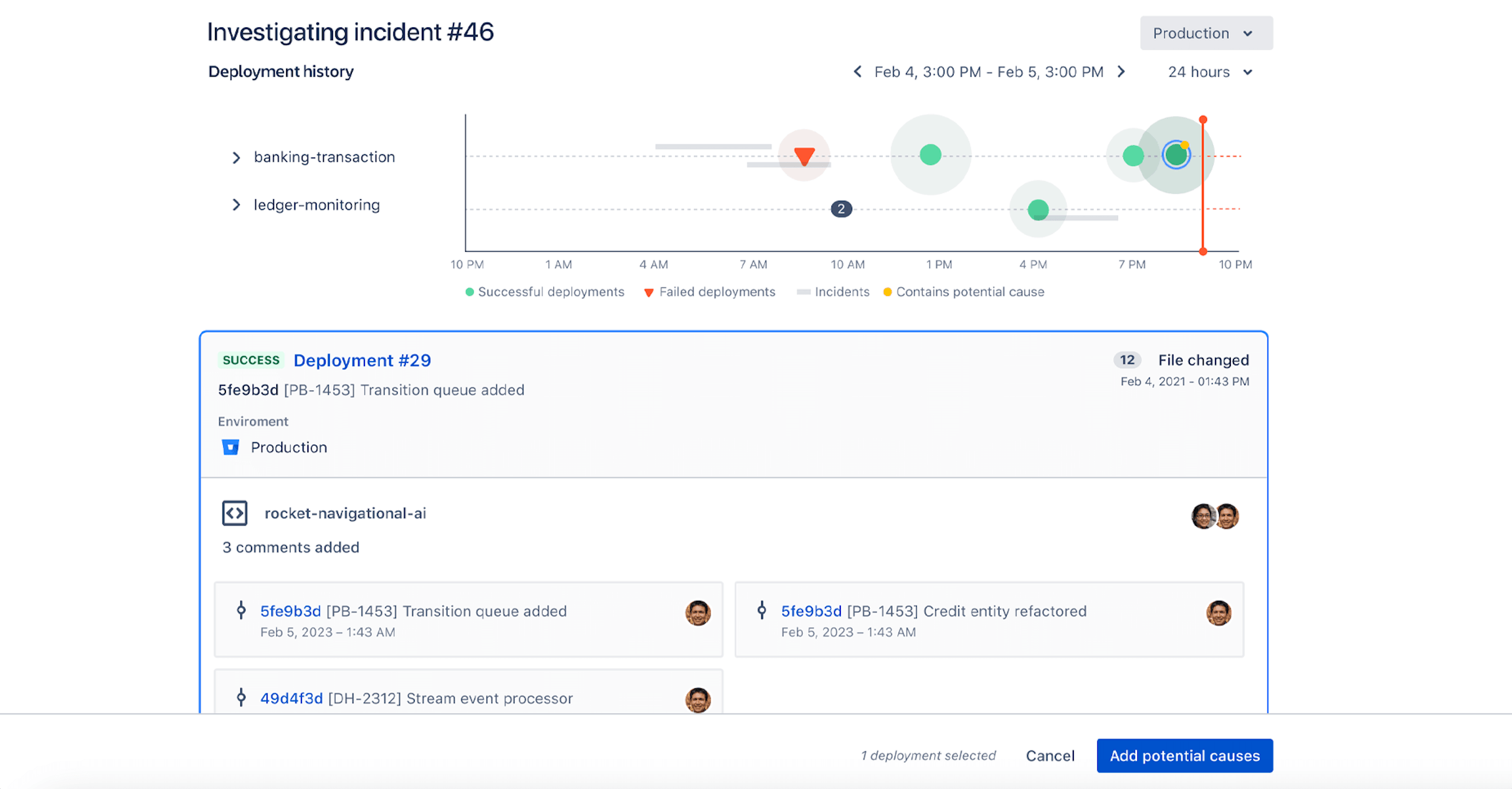
Jira Service Management centralizes, filters, and enriches alerts across all your monitoring, logging, and CI/CD tools to ensure your teams respond to issues quickly while avoiding alert fatigue. Teams can automatically combine related alerts, and add attachments, notes, and links to maximize available information about incidents. And with customizable on-call schedules, routing rules, and escalation policies, teams can handle alerts differently based on their source and urgency.

How to get started with the IT service management template

This template uses Jira Service Management to help you intake requests, set up alerts, raise incidents, and fix issues quickly.

  1. 1

    Set up your help center and portal

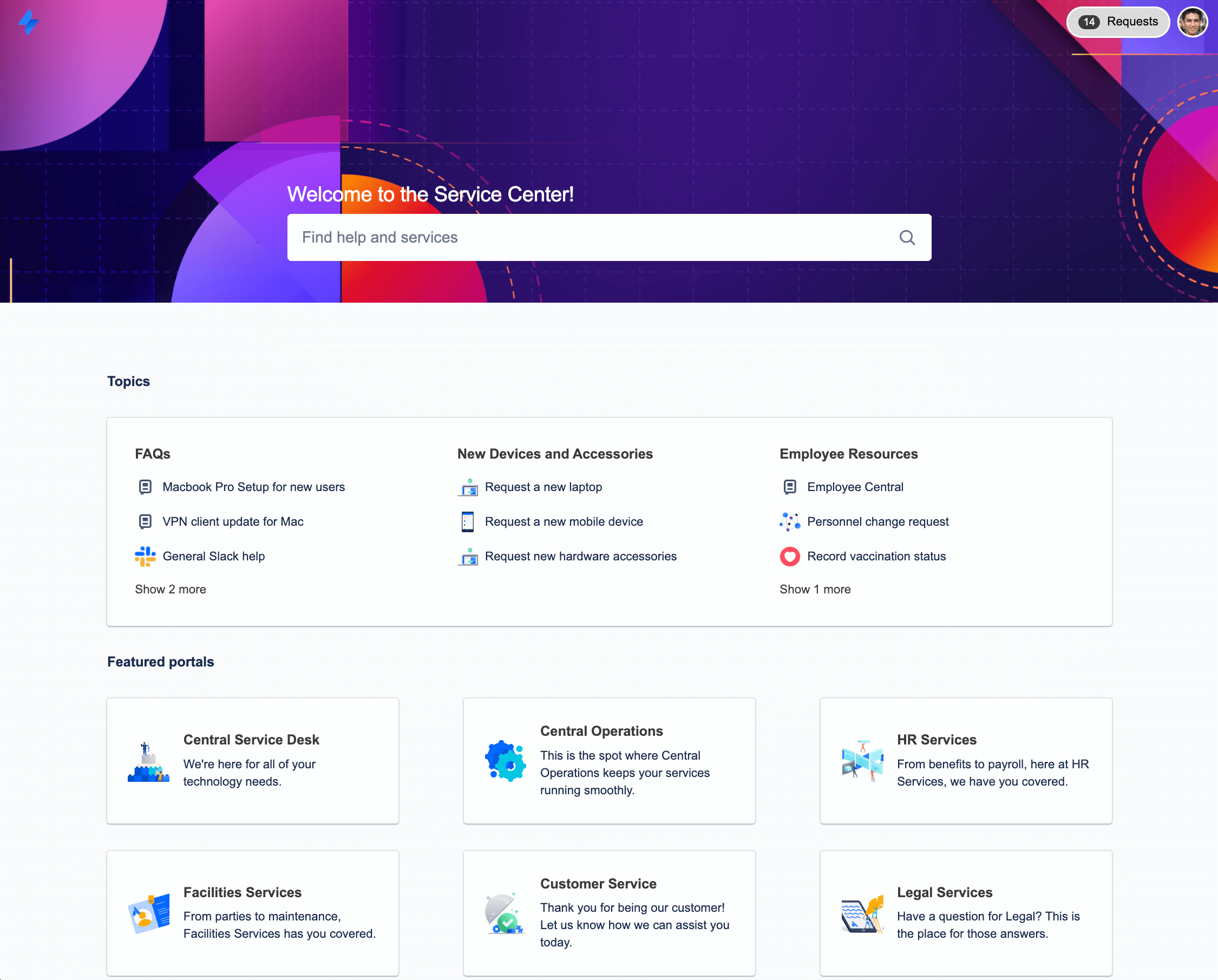
    The help center is where customers can submit requests and access your self-service knowledge base. Set up the welcome message, announcements, and layout. Learn more.

  2. 2

    Customize your request types

    Help customers and agents by using tailored request types, or even creating your own. Learn more.

  3. 3

    Organize your queues

    Align your queue with the way your teams triage and address requests. Learn more.

  4. 4

    Add agents

    It’s time to get the party started! Add agents to your service project team. Learn more.

  • Resolve incidents quickly

    Help customers self-serve by automatically displaying knowledge base articles, and minimize noise by grouping similar issues together.

  • On-call alerting, anytime

    Ensure your service is reliable and ready to respond by creating an on-call schedule, so the right team members receive alerts when critical issues arise.

  • Fulfill service requests quickly

    Based on ITIL best practices, this template is designed to help you work more effectively across teams to fulfill service requests faster than ever.

Related templates

Operations

General service management template

Collect, prioritize, and manage requests for any business teams.
Service Management

HR service management template

Manage onboarding and offboarding and respond to HR requests.
Operations

Facilities service management template

Manage requests for maintenance, moving, and event planning.

Related resources

GUIDE

Jira Service Management product guide

Whether you’re new to Jira Service Management, training your teammates, or ready to take your service management skills to the next level, these guides cover everything from the basics to in-depth best practices.

GUIDE

The complete guide to Atlassian for ITSM

This practical guide covers the basics of everything you need to know about ITSM with Atlassian – across IT delivery, operations, and support.

GUIDE

A vision for IT service management at high velocity

In this report, you'll get an up-close look at Atlassian's vision for service management, and how we're answering some of the most common questions IT teams face.

Ready to use this free template?

Use template