Analytics help center screenshot

Design service management template

Track and manage all your design requests.

BEST FOR

  • Design teams

KEY FEATURES

  • Request types

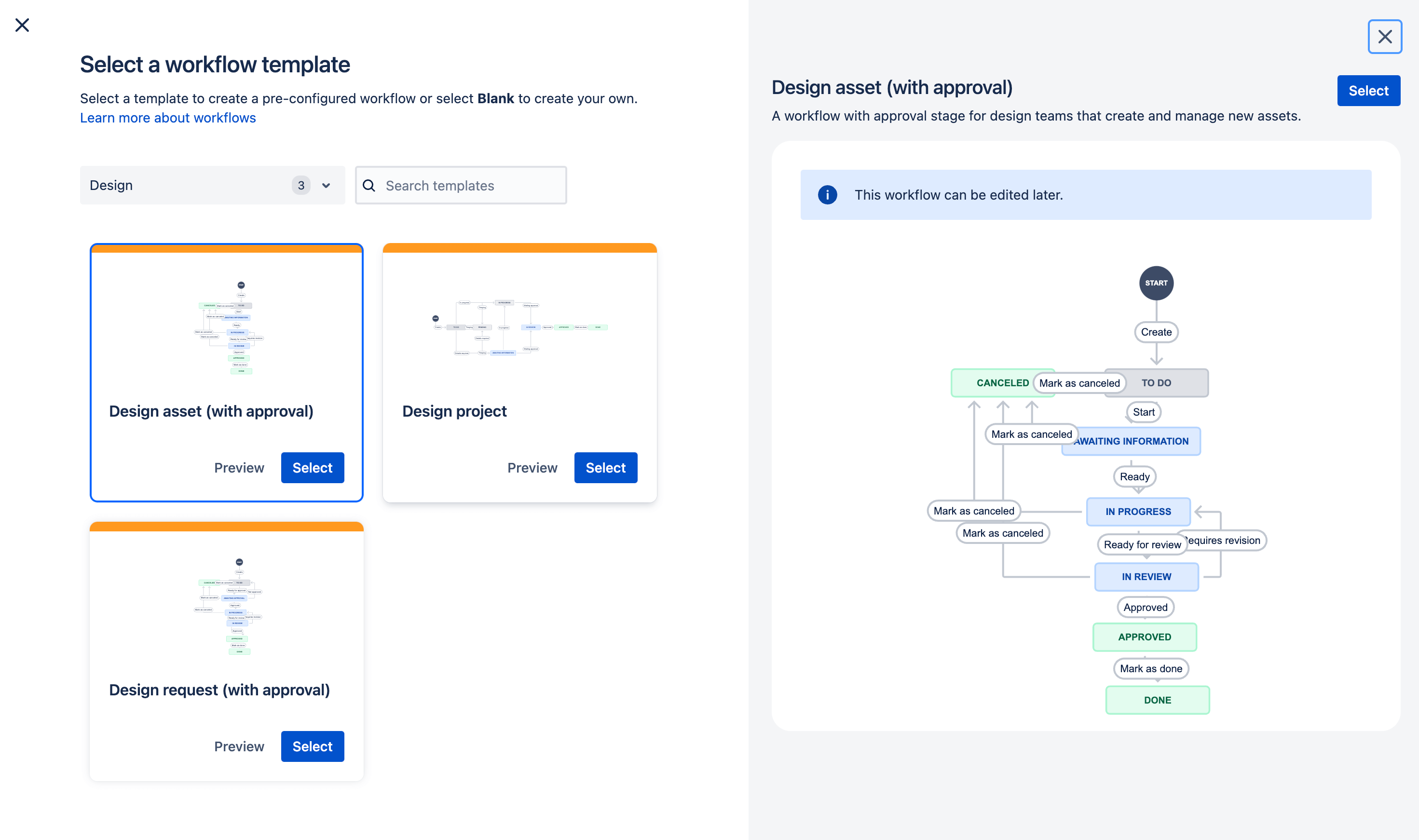
  • Workflows

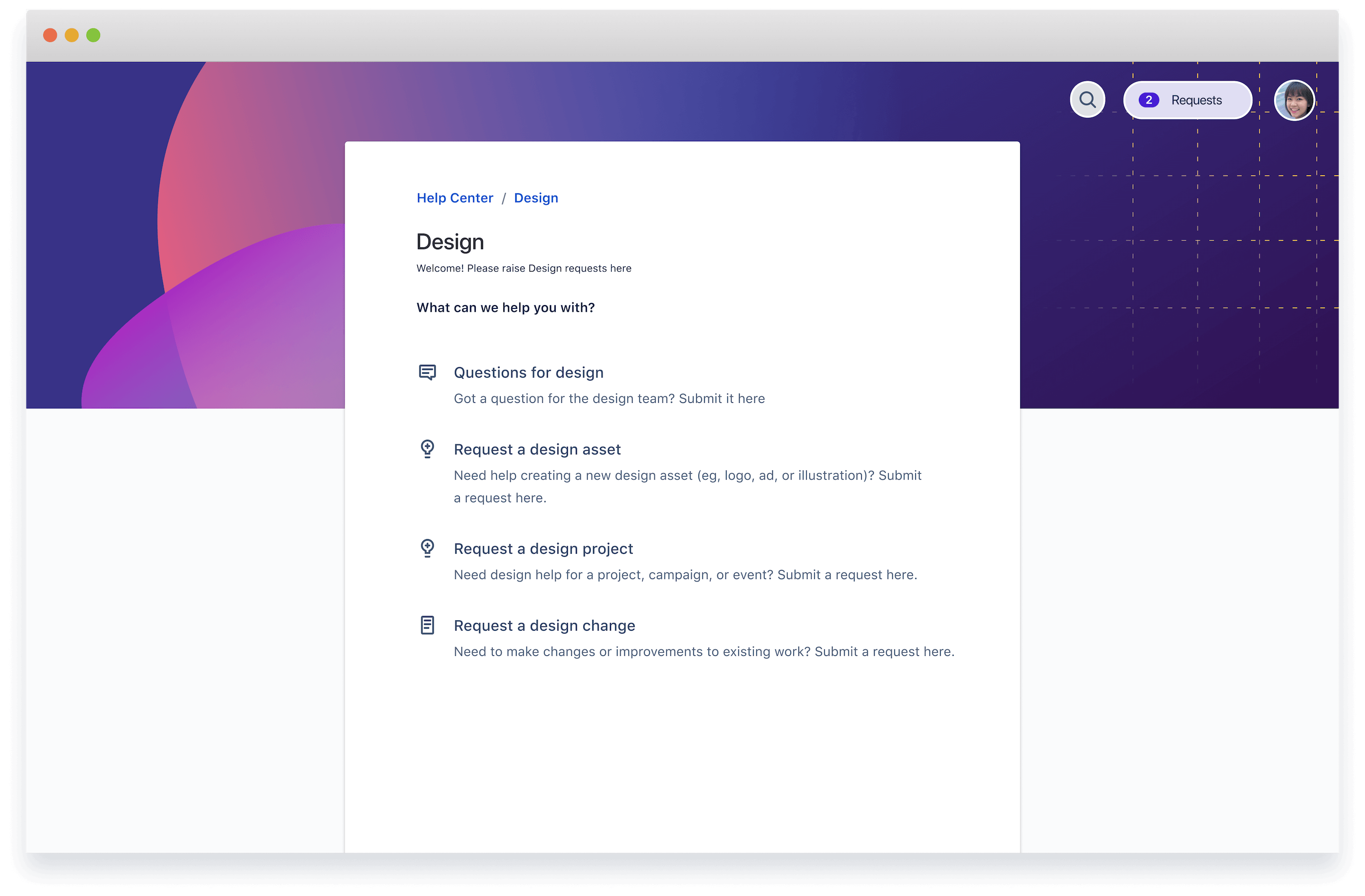
  • Customer portal

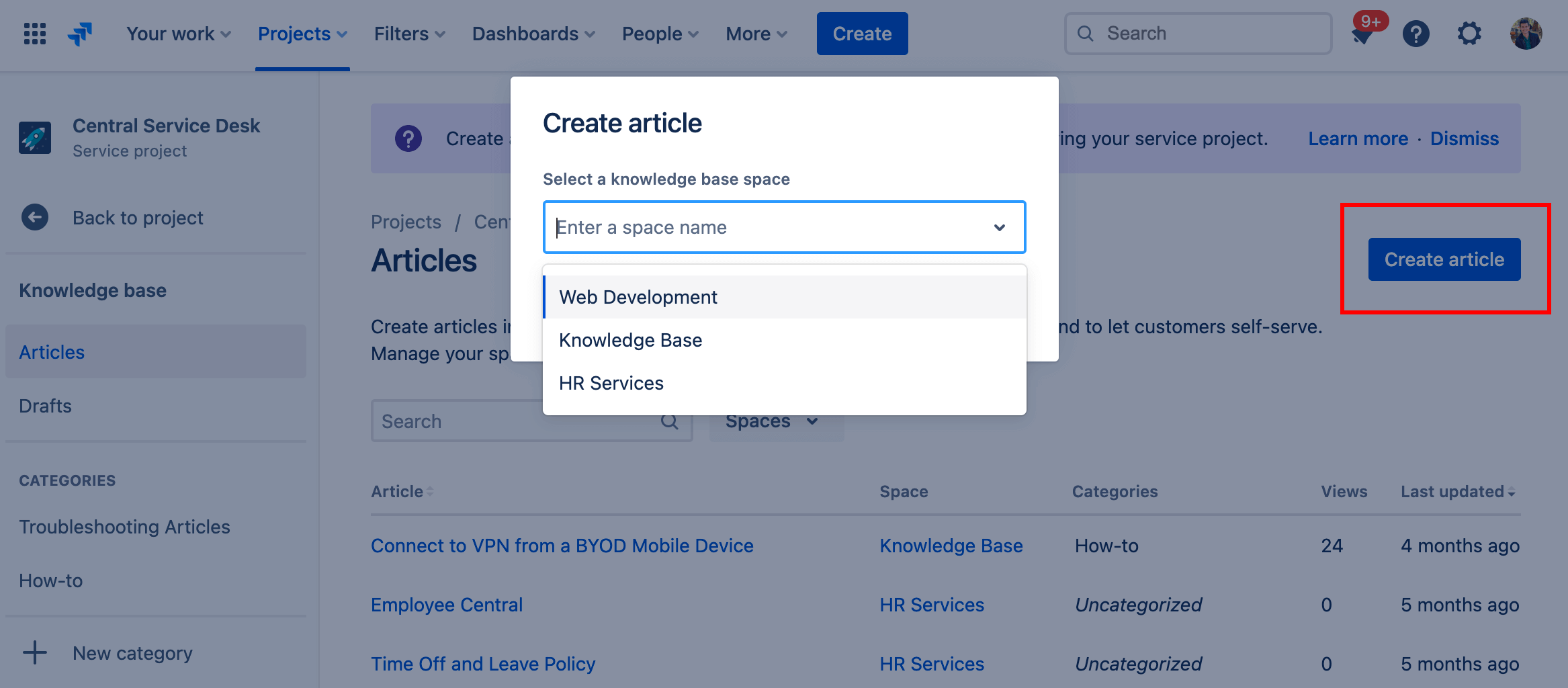
  • Knowledge base

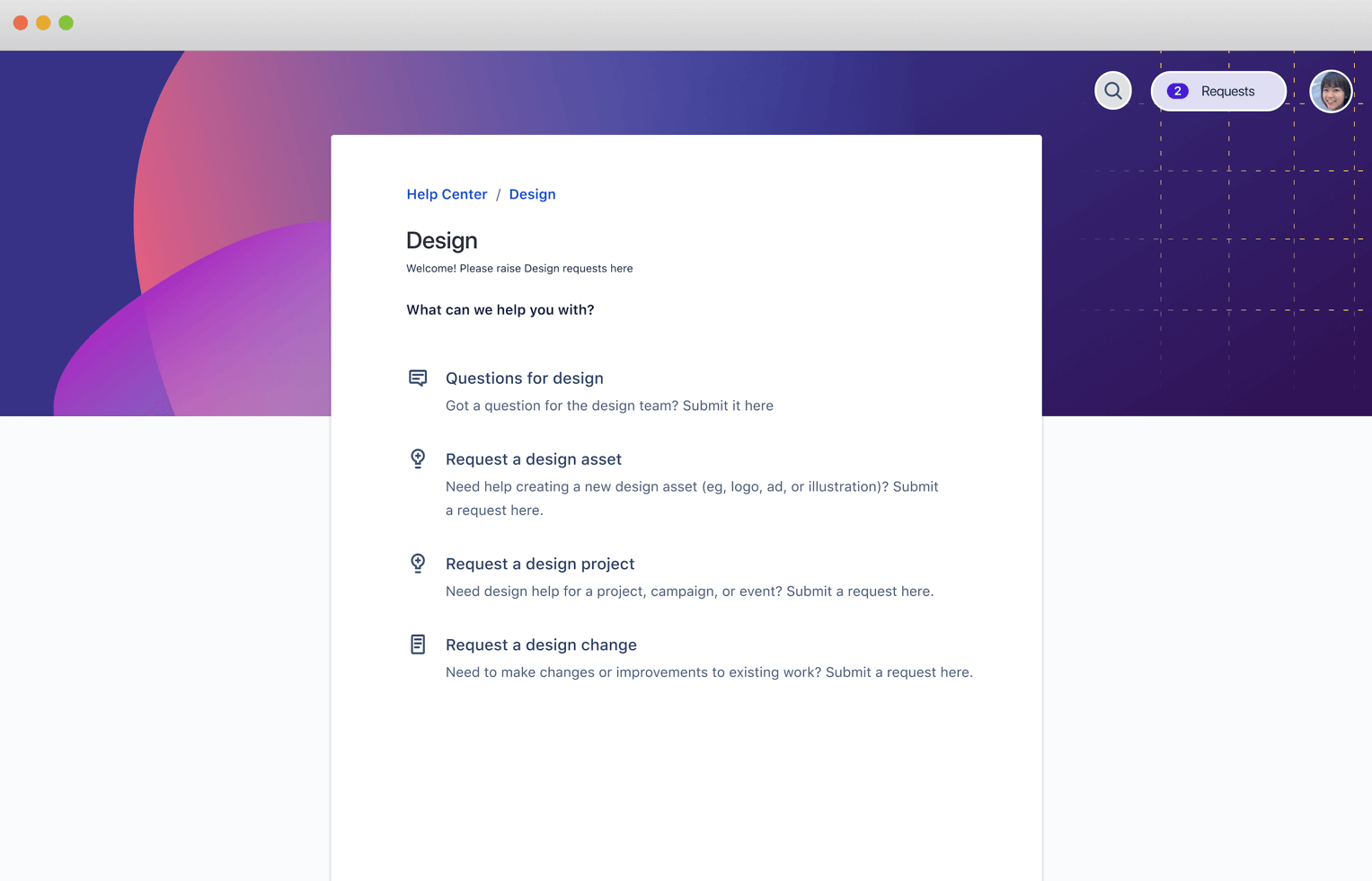
Analytics help center screenshot

What is a design service management template?

This template provides teams with a central place to manage all incoming design requests and streamline collaboration with stakeholders, producers, and approvers. Customized request types and form templates collect the information you need, and workflows help you stay on top of progress.

What does the design service management template include?

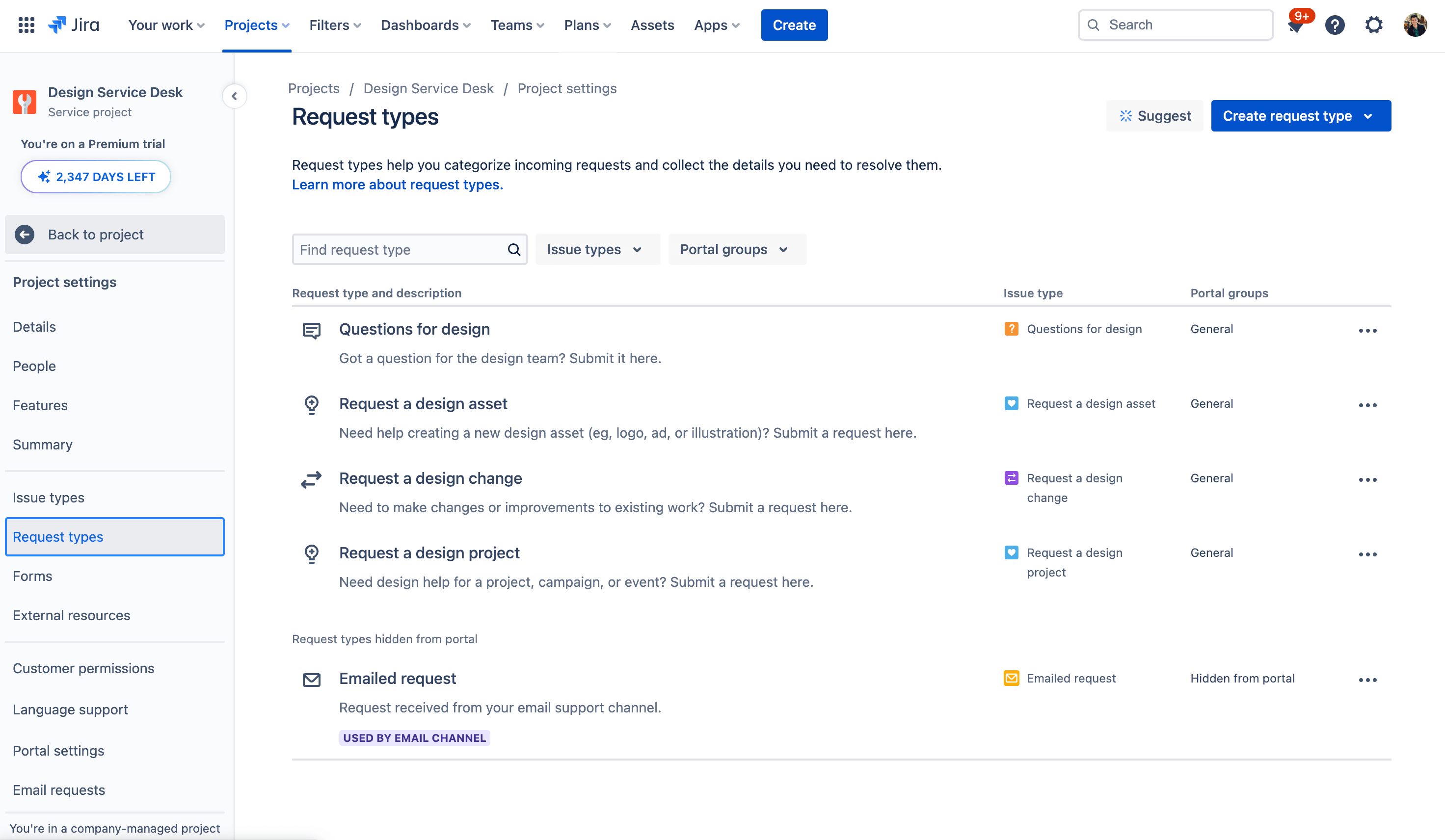
Request types for design

Use editable request types for common design requests or create your own that are specific to your team’s design services.

How to get started with the design service management template

This template uses Jira Service Management to track and manage all your design requests.

  1. 1

    Set up your help center and portal

    The help center is where customers can submit requests and access your self-service knowledge base. Customize the welcome message, announcements, and layout. Learn more.

  2. 2

    Customize your request types

    Help customers and agents by using tailored design request types, or even creating your own. Learn more.

  3. 3

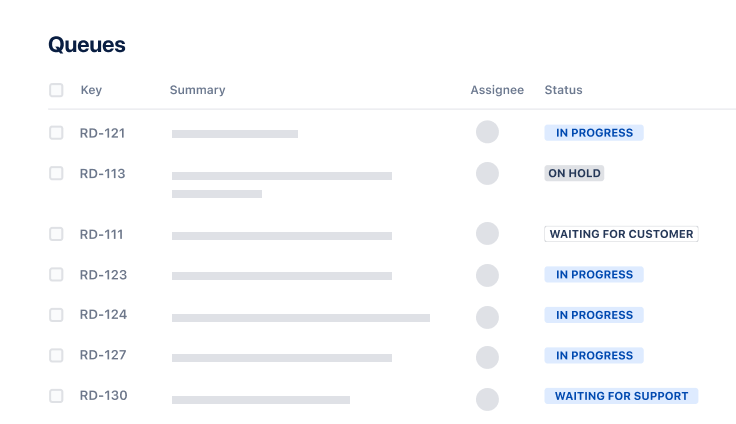
    Organize your queues

    Align your queue with the way your teams triage and address design requests. Learn more.

  4. 4

    Add agents

    It’s time to get the party started! Add agents to your service project team. Learn more.

  • Streamline incoming requests

    Make it easy for internal customers to submit design requests via multiple channels like email, chat tools, and request portals. Collect all the information you need to get the job done by using our recommended request types for design teams, or customize your own from our form template library.

  • Keep work moving smoothly

    Triage, prioritize, and set service level agreements so your team can keep track of important requests. Use automation rules to notify team members if requests are urgent, and automate approvals and how you assign responsibility for specific tasks to save your team time.

  • Promote self-service

    Encourage self-service by setting up a knowledge base to share frequently-requested resources like the latest design guidelines, templates, presentation kits, and asset files. Include answers to common questions so employees can find help without submitting a request.

Related templates

Operations

General service management template

Collect, prioritize, and manage requests for any business teams.
Marketing

Marketing service management template

Manage and track all your marketing requests.
Service Management

Legal service management template

Manage and track all your contracts and legal requests.

Related resources

GUIDE

How enterprise Service Management works in Jira Service Management

Learn how non-technical teams embrace Jira Service Management, including HR, facilities, legal, marketing, and customer service.

WHITEPAPER

The Atlassian approach to ESM

In this whitepaper, you’ll discover just how different teams are leveraging Jira Service Management for Enterprise Service Management that meets the demands of the modern workforce.

Ready to use this free template?

Use template