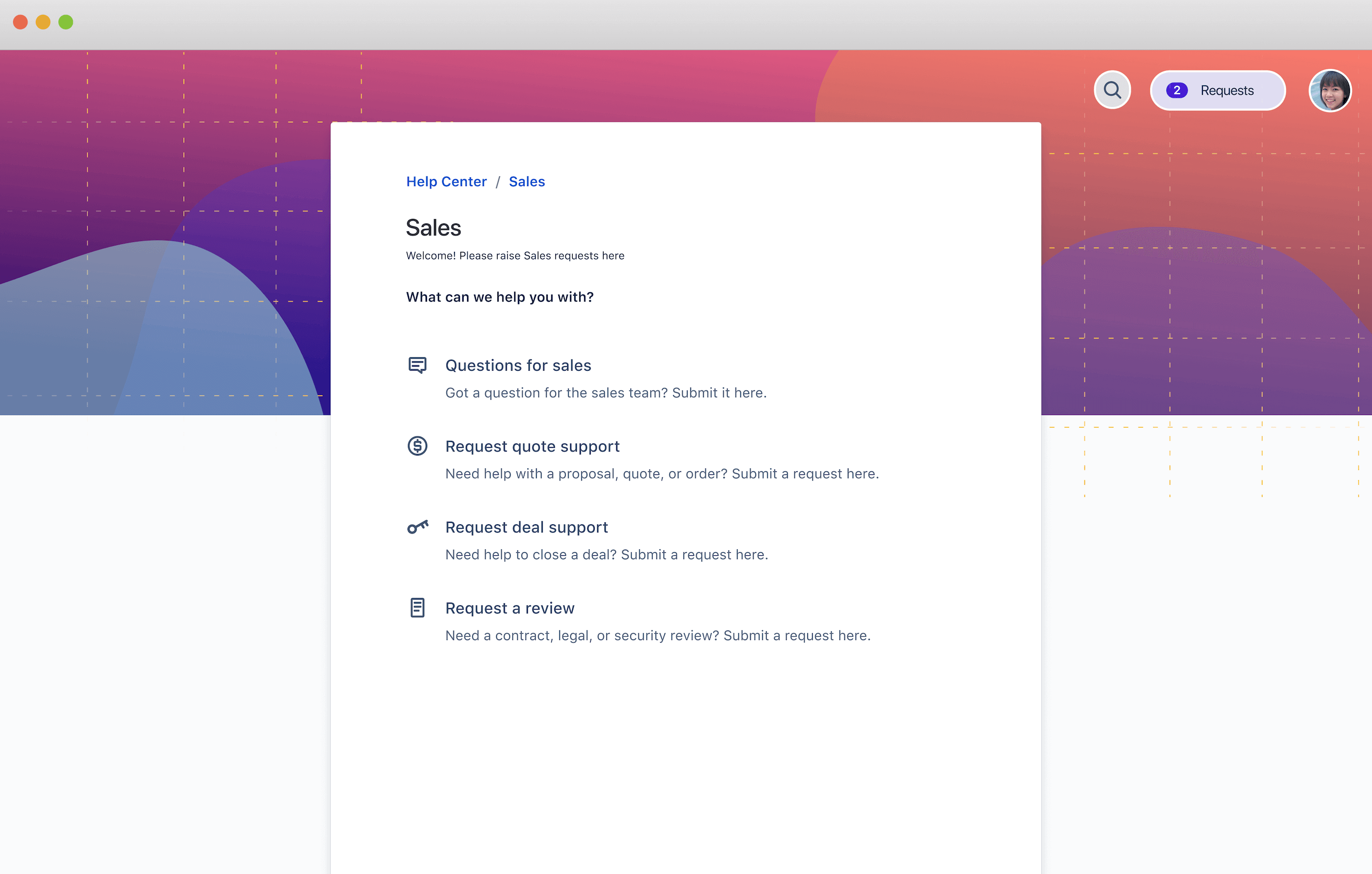
Screenshot of support portal for sales

Sales service management

Manage, track, and report on sales requests from quote support to contract reviews.

BEST FOR

  • Sales teams

KEY FEATURES

  • Customer portal

  • Marketing request types

  • Workflows

  • Knowledge base

Screenshot of support portal for sales

This template provides sales teams with a central place to quickly triage and respond to requests for support, reviews, or approvals needed to keep deals running smoothly. Customized request types and form templates collect the information you need, and workflows help you stay on top of progress.

What does the sales service management template include?

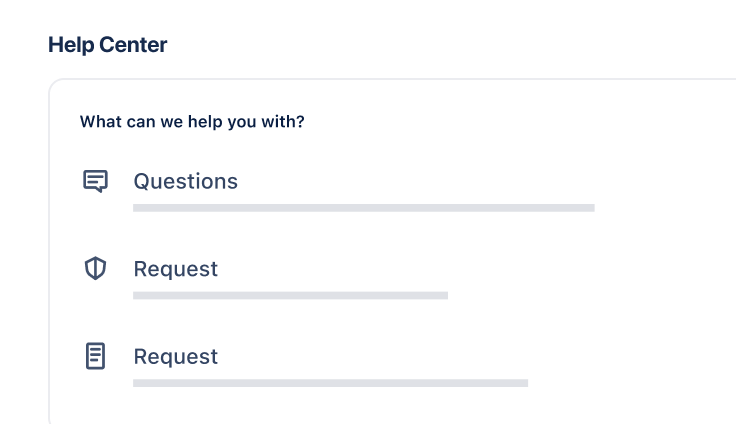
Customer portal

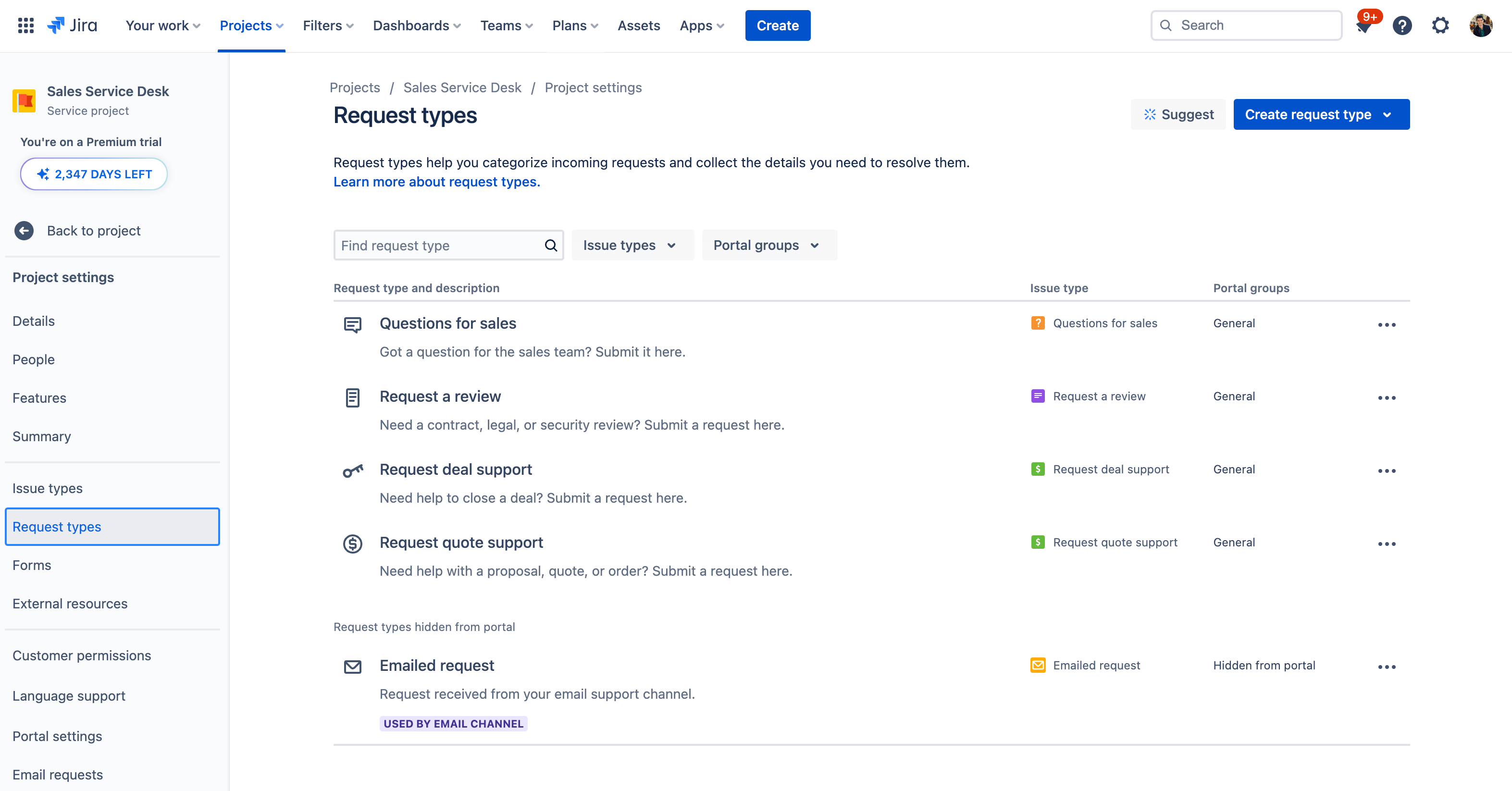
Create a service portal with customizable request types and workflows to meet your sales team’s needs.

How to use the sales service management template

This template uses Jira Service Management to manage, track, and report on sales requests - from quote support to contract reviews.

  1. 1

    Set up your help center and portal

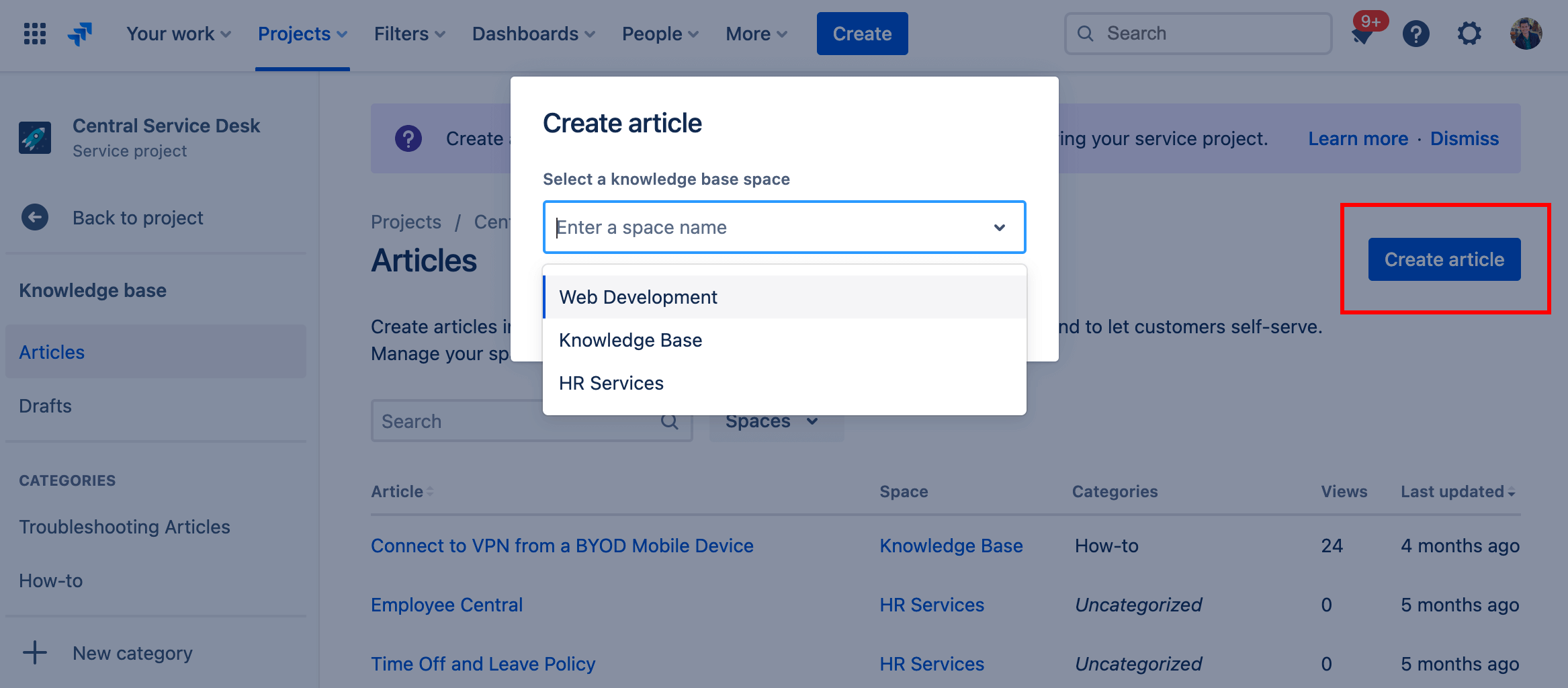
    The help center is where employees can submit requests and access your self-service knowledge base. Set up the welcome message, announcements, and layout. Learn more.

  2. 2

    Customize your request types

    Help employees and agents by using tailored request types, or even creating your own. Learn more.

  3. 3

    Organize your queues

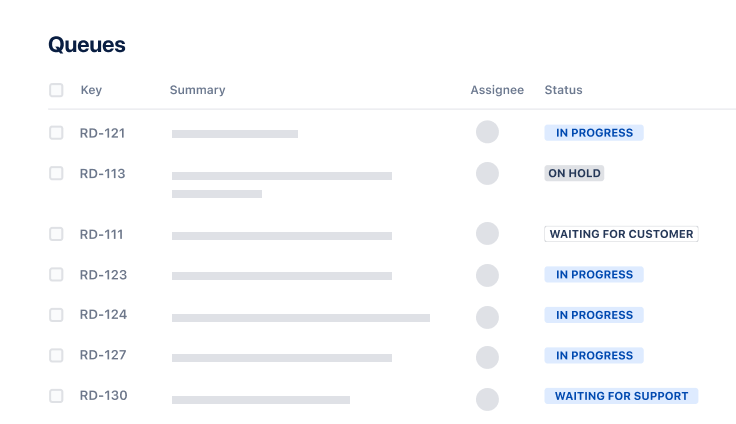
    Align your queue with the way your teams triage and address requests. Learn more.

  4. 4

    Add agents

    It’s time to get the party started! Add agents to your service project team. Learn more.

  • Collaborate with ease

    Make it easy for employees to submit sales support requests, and for your team to manage them in one central location. Use comments, statuses, and notifications to share updates and collaborate on requests in real-time.

  • Keep work moving quickly

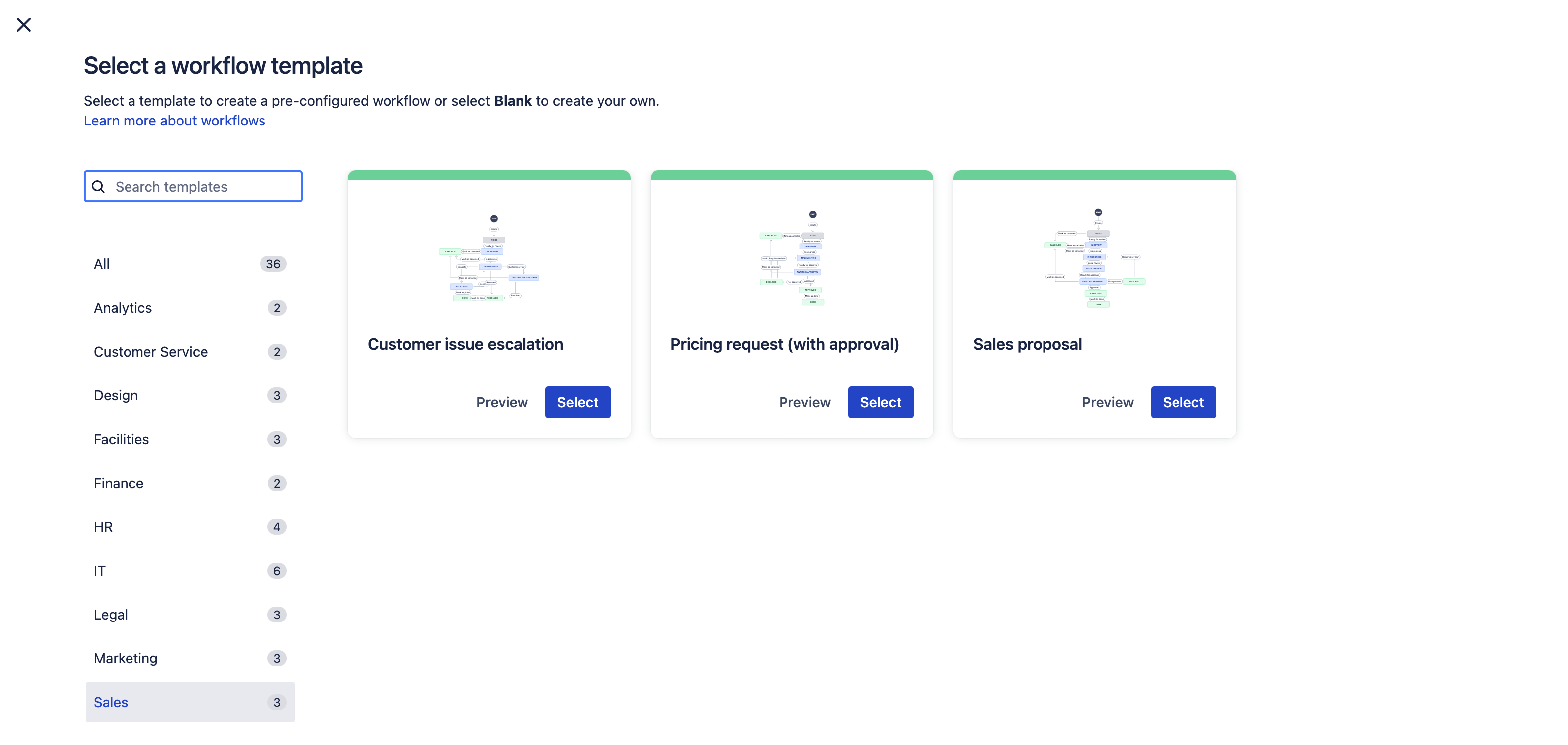
    Customize how you receive incoming requests from email, chat tools, and request portals to suit how your team likes to work. Use workflows to provide transparency of progress, and queues to help organize requests by priority and see what others are working on.

  • Share information with confidence

    Enable your sales team to share information and manage sensitive requests in a secure space. Protect the privacy of your external customers and prospects mentioned in requests by using permissions to manage who can find, view, and comment on them.

Related templates

Operations

General service management template

Collect, prioritize, and manage requests for any business teams.

Service Management

IT service management template

Intake requests, set up alerts, raise incidents, and fix issues quickly.
Marketing

Marketing service management template

Manage and track all your marketing requests.

Related resources

Guide

Jira Service Management features for Retail and e-Commerce

Retail and e-commerce companies use Jira Service management to stay ahead of their competition with an AI-powered experience that increases support satisfaction, scales efficiently, and protects their customers' data.

Guide

Product Guide for Jira Service Management

Whether you’re new to Jira Service Management, training your teammates, or ready to take your service management skills to the next level, these guides cover everything from the basics to in-depth best practices.

Ready to use this free template?

Use template